
Recently MS has introduced Visual Studio 2017/2019 as new development IDE for x++ development instead of Visual Studio 2015, and therefore we started noticing DevToolsService update script failing for some development or build machines when applying quality updates from Lifecycle services.

When I downloaded the deployment log compressed file, I noticed it is missing details related to the step being applies, so I tried applying Step 30 script on the vm manually:
AXUpdateInstaller.exe execute -runbookid=6becad45-aa88-41ee-8b22-16f777a7c580 -rerunstep=30
and this gave me a hint on what is wrong:
Cannot bind argument to parameter ‘Path’ because it is an empty string.
that led me to check if Visual Studio 2019 was properly installed. in fact, it was not and to fix this issue I ran Visual Studio 2019 installer:
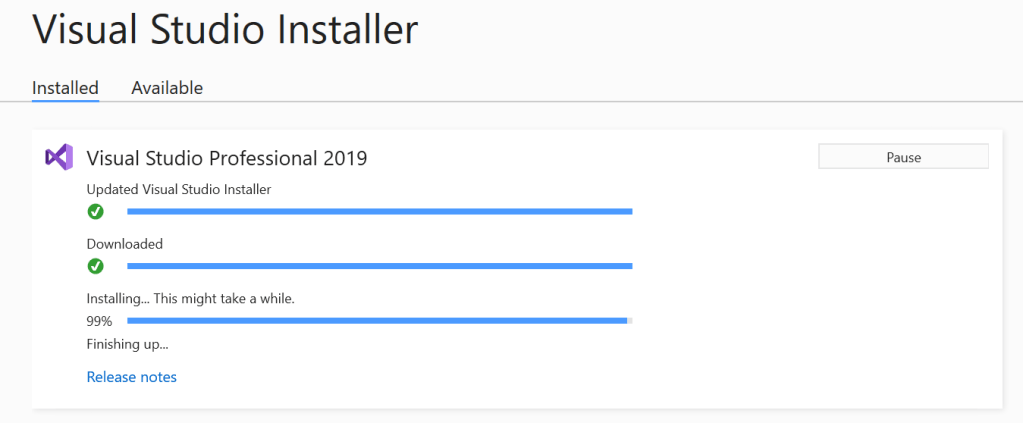
After that I resumed quality update deployment in LCS and everything went fine.

 AZ on D365