
If you recently provisioned Dynamics 365 Development environment using 10.0.29 release, you will notice Event Viewer is missing Dynamics folder.

After some research I found a solution that is shared by “Daniel Codes” he received from Microsoft Support 3 weeks ago. Find details below:
Dynamics folder missing in event viewer on CHE environment was discovered recently and it is being worked on. We expect the fix to be available some time in close future.
In the meantime, you can use this script to install the ETW Provider (which is what adds the event viewer Dynamics folder) attached with this mail (rename it to PS1 and run it on the VM from c:\temp folder).
Microsoft Support
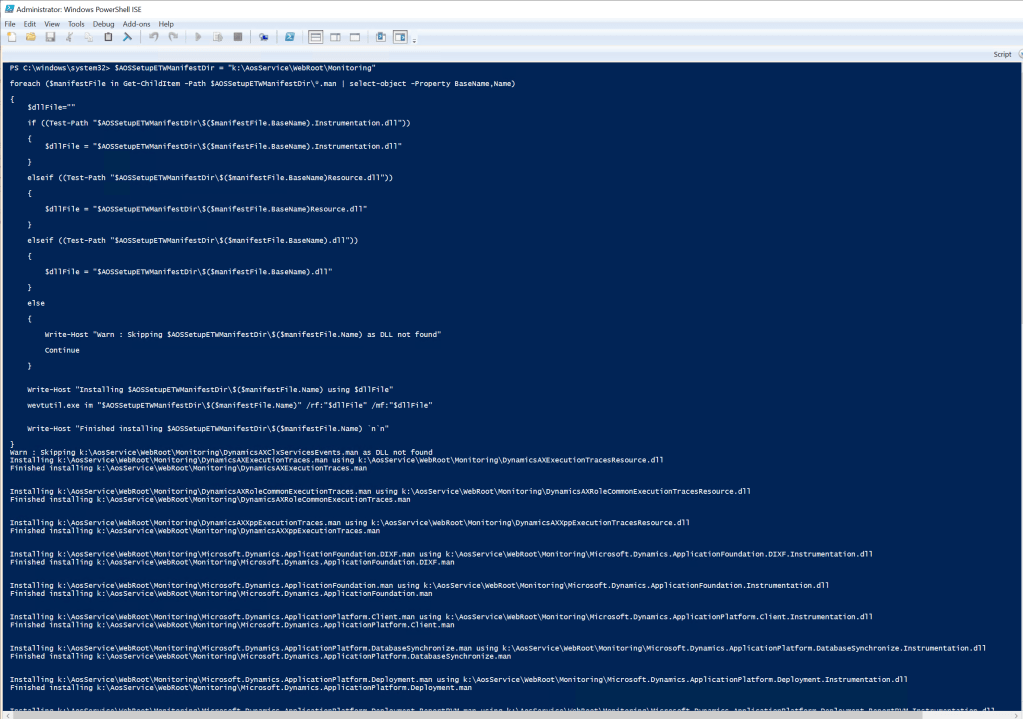
While waiting on permanent fix from MS execute this PowerShell script in your development environment. Make sure you open PowerShell ISE in Administrator mode, then paste the following script and execute:
$AOSSetupETWManifestDir = "k:\AosService\WebRoot\Monitoring"

foreach ($manifestFile in Get-ChildItem -Path $AOSSetupETWManifestDir\*.man | select-object -Property BaseName,Name)

{
    $dllFile=""

    if ((Test-Path "$AOSSetupETWManifestDir\$($manifestFile.BaseName).Instrumentation.dll"))

    {
        $dllFile = "$AOSSetupETWManifestDir\$($manifestFile.BaseName).Instrumentation.dll"

    }

    elseif ((Test-Path "$AOSSetupETWManifestDir\$($manifestFile.BaseName)Resource.dll"))

    {

        $dllFile = "$AOSSetupETWManifestDir\$($manifestFile.BaseName)Resource.dll"

    }

    elseif ((Test-Path "$AOSSetupETWManifestDir\$($manifestFile.BaseName).dll"))

    {

        $dllFile = "$AOSSetupETWManifestDir\$($manifestFile.BaseName).dll"

    }

    else

    {

        Write-Host "Warn : Skipping $AOSSetupETWManifestDir\$($manifestFile.Name) as DLL not found"

        Continue

    }


    Write-Host "Installing $AOSSetupETWManifestDir\$($manifestFile.Name) using $dllFile"

    wevtutil.exe im "$AOSSetupETWManifestDir\$($manifestFile.Name)" /rf:"$dllFile" /mf:"$dllFile"


    Write-Host "Finished installing $AOSSetupETWManifestDir\$($manifestFile.Name) `n`n"

}
Problem solved!

 AZ on D365